Best Digital Photo Frames for Seniors (2026): Easiest to Use, Reviewed
The best digital photo frames for seniors — frames family can send photos to instantly, with big bright screens and zero setup required for the recipient.
As an Amazon Associate I earn from qualifying purchases. We independently review products; buying through our links never costs you extra.
Best Overall
Aura Carver Digital Photo Frame
Quick picks
| Product | Best for | Amazon |
|---|---|---|
| Aura Carver Digital Photo Frame | Overall | Check price on Amazon |
| Skylight Frame | Simplest to Use | Check price on Amazon |
| Nixplay Smart Photo Frame | Video & Playlists | Check price on Amazon |
| Dragon Touch Classic 10 Frame | Budget Option | Check price on Amazon |
| Pix-Star Digital Frame | Multiple Contributors | Check price on Amazon |

Our Top Picks
Chosen for seniors based on features, specs, and verified buyer reviews.

Aura Carver Digital Photo Frame
- Bright, high-resolution screen with auto brightness
- Unlimited free storage, no subscription
- Simple app for family to send photos from anywhere
- Higher price than budget frames
- App-only sharing — no email-to-frame option

Skylight Frame
- Email-to-frame sharing — no app account needed to send photos
- Touch screen keeps on-device controls simple
- Photos appear within seconds of sending
- Touch screen is a step some non-tech seniors skip using at all
- Fewer playlist/organization features than Nixplay

Nixplay Smart Photo Frame
- Supports short video clips alongside photos
- Playlists let family schedule what shows and when
- Powerful app for tech-comfortable relatives
- More features than most seniors will use directly
- Setup has more steps than the Skylight or Aura

Dragon Touch Classic 10 Frame
- Noticeably lower price than premium picks
- Free app covers the core send-from-phone feature
- 10-inch screen size matches pricier competitors
- Screen and app polish are a step down from the Aura or Skylight
- Build quality feels less premium
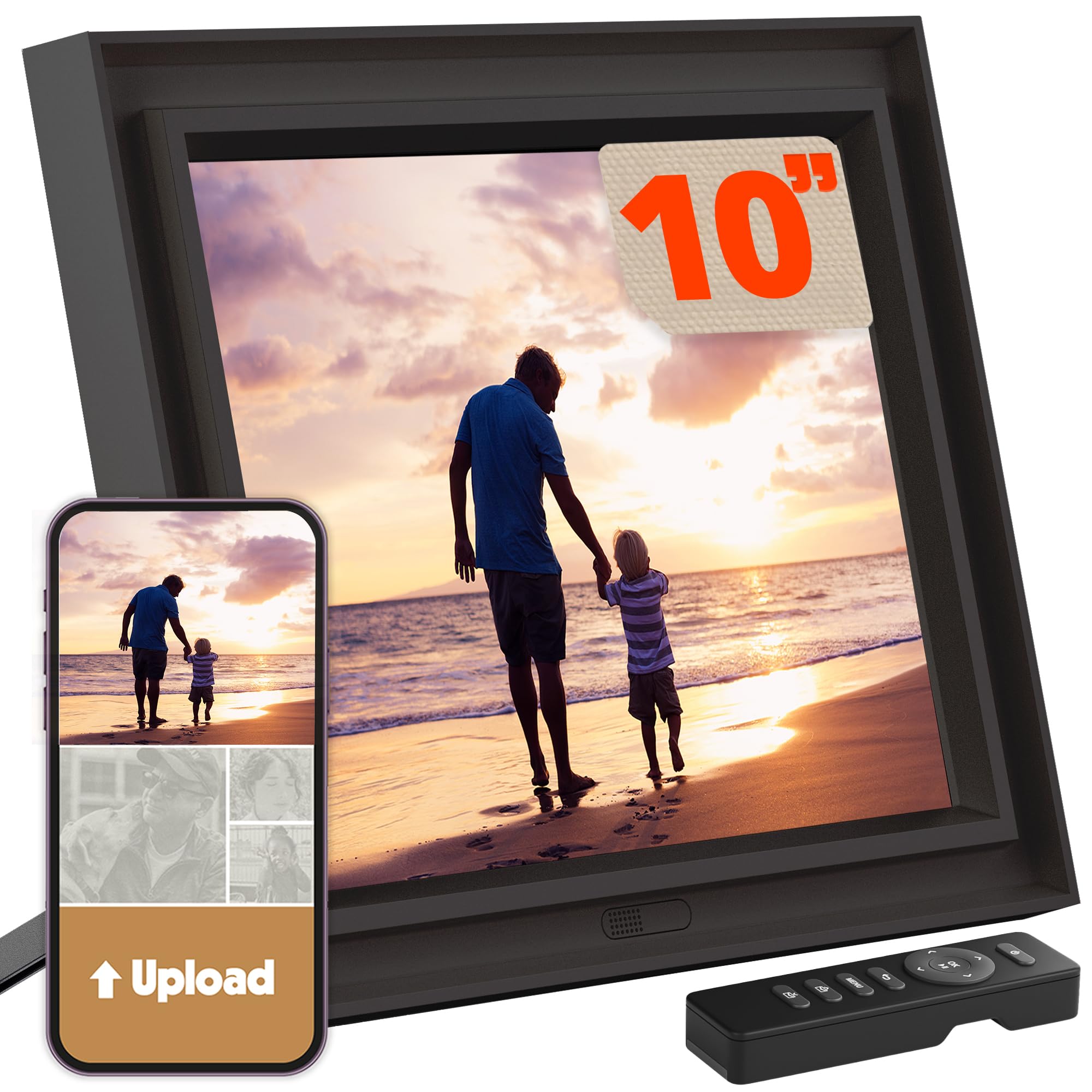
Pix-Star Digital Frame
- Accepts photos via email, app, or web browser
- Well suited to large extended families sharing one frame
- Widest range of sharing methods of any pick here
- Interface feels dated next to newer competitors
- App is less polished than Aura's
The Short Answer
A digital photo frame is one of the most heartwarming gifts for a senior: family and grandchildren send photos from their phones, and the pictures appear on the frame automatically — no computer, cables, or complicated menus for the recipient. Our overall pick is the Aura Carver for its sharp screen and effortless setup, with the Skylight Frame the best choice for the simplest possible experience, especially for anyone who'd rather email a photo than learn an app.
The One Feature That Actually Matters
The single most important spec isn't screen resolution — it's how easy it is for family to get photos onto the frame without help. A frame that requires the senior to plug it into a computer or manage an SD card defeats its own purpose; the entire value is that new photos simply appear, sent remotely by someone else. Set up the account and Wi-Fi once, before gifting it, and the recipient should never need to touch a settings menu again.
Our Top Picks
Aura Carver — Best Overall
The Aura Carver has a bright, high-resolution screen that displays photos beautifully, and setup is genuinely easy — no fees, unlimited storage, and family members send photos through a simple app. It automatically fits photos to the screen and adjusts brightness to the room. It's the frame we recommend for most families.
Skylight Frame — Simplest to Use
The Skylight's touch screen and email-to-frame system are about as simple as technology gets: family emails photos to a dedicated address and they appear instantly, with no app account required on the sending side. For a senior who wants zero complexity — and for family members who'd rather not install another app themselves — it's the easiest option available.
Check price on AmazonSkylight Frame
Nixplay Smart Photo Frame — Best for Video & Playlists
Nixplay supports short video clips as well as photos, and lets family organize images into playlists that rotate on a schedule. Its app is more powerful than the Aura's or Skylight's, which is a plus for tech-comfortable relatives who want more control over what's shown and when — but that extra depth is worth less to the senior actually looking at the frame, who just sees photos change either way.
Check price on AmazonNixplay Smart Photo Frame
Dragon Touch Classic 10 Frame — Best Budget Option
The Dragon Touch delivers the core send-from-phone experience at a noticeably lower price than the Aura or Skylight, using its own free app for sharing. The screen and app polish are a step down from the pricier picks, but the fundamental feature — family sends a photo, it shows up — works reliably, which is what actually matters day to day.
Check price on AmazonDragon Touch Classic 10 Frame
Pix-Star Digital Frame — Best for Multiple Contributing Family Members
Pix-Star supports photo uploads via email, app, or web browser from an unusually wide number of contributors at once, which suits a large extended family all wanting to add pictures to the same frame. It also supports the widest range of file-sharing methods of any pick here, useful if not everyone in the family is equally comfortable with apps.
Check price on AmazonPix-Star Digital Frame
What to Look For
- Send-from-phone support: The whole point — make sure family can send photos through an app or by email from anywhere, not just from a local network.
- Big, bright screen: A 10-inch, high-resolution display with auto-brightness is easiest on aging eyes and looks better in a range of room lighting.
- Truly no setup for the recipient: The senior shouldn't have to do anything after unboxing — a relative sets it up once, ideally before it's given as a gift.
- No hidden fees: Some frames charge subscriptions for cloud storage; the best, like the Aura, include unlimited storage free.
- Auto-fit and auto-rotate: The frame should size photos correctly without cropping heads out, and rotate orientation automatically for portrait and landscape shots.
Setting One Up as a Gift
The best approach is to fully set up the frame — Wi-Fi, account, and a starter batch of family photos — before giving it, rather than handing over a box with instructions. Add two or three family members as contributors right away so new photos start showing up within the first week; a frame that sits with the same five photos for a month is a common reason it stops getting attention. If the household's Wi-Fi is weak in the room where the frame will live, test the connection there specifically before finalizing placement.
How to Choose the Right Frame for Your Family
The best frame depends less on the senior and more on the people who'll be feeding it photos, because they're the ones doing the work. If one tech-comfortable relative will manage everything, an app-based frame like the Aura or Nixplay is fine. If photos will come from many hands — several children, in-laws, grandchildren of varying ages — pick a frame that accepts more than one method of sending, because someone in the group will inevitably struggle with an app. The Skylight's plain email address and the Pix-Star's email-app-web mix exist precisely for that spread of comfort levels. A frame nobody can figure out how to send to becomes a blank rectangle on the wall within a month.
How Family Sends Photos, and How to Keep Them Coming
Once a frame is set up, sending is meant to be effortless: with an app-based frame, a relative selects photos on their phone and taps send, and they appear within seconds; with the Skylight, they simply email photos to the frame's dedicated address the way they'd email anyone. The harder part isn't the mechanics — it's momentum. Frames get exciting for a week and then go quiet. A few habits keep them alive: add several family members as senders at the start so it isn't one person's job; encourage sending a few photos regularly rather than one giant batch; and let grandchildren send directly, since they tend to be the most reliable contributors. If the frame supports a family group or shared album, set that up so sending becomes a group activity rather than a chore.
Privacy: What a Connected Frame Shares
A cloud-connected frame sends photos through the manufacturer's service to reach the device, which is how a picture taken across the country appears in the living room. In practice this means photos pass through the maker's servers, so it's worth choosing a well-known brand and, at setup, checking who is allowed to send to the frame — the concern is less data-mining than a wrong email address or an open invite letting the wrong person add images. Reputable frames let the account owner control exactly who can contribute, and that list is worth reviewing once. There's no microphone or camera on a photo frame, so unlike a speaker or doorbell, nothing is listening or watching in the room.
Common Mistakes to Avoid
- Gifting it in the box, unset-up. A frame handed over as parts and instructions often never gets configured. Set up Wi-Fi, the account, and a starter batch of photos before wrapping it.
- Making one person the only sender. Momentum dies when it's a single relative's responsibility. Add several contributors from day one.
- Overlooking a subscription. A few frames charge for cloud storage or extra features. Confirm what's free on the exact model before buying, since it varies even within one brand.
- Choosing a screen too small or too dim for the room. A frame across a living room needs a larger, brighter screen than one on a nightstand. Match the size to where it will actually sit.
- Putting it where the Wi-Fi is weak. A back bedroom with a poor signal means photos that never arrive. Test the connection in the spot it'll live before settling on placement.
Frequently Asked Questions
What is the easiest digital photo frame for seniors?
The Skylight Frame and Aura Carver are the easiest — once a family member sets them up, the senior does nothing at all. New photos simply appear, and both have large, clear touch screens.
Can family send photos to the frame from their phone?
Yes. That's the key feature: relatives use a free app (or, for the Skylight, email) to send photos from anywhere, and they show up on the frame within seconds. Multiple family members can contribute to the same frame on most models.
Do digital photo frames require Wi-Fi?
The best cloud-connected frames need Wi-Fi so family can send photos remotely. If the senior's home has no reliable internet, choose a frame that also plays photos from an SD card or USB drive loaded manually instead.
Are there monthly fees for digital photo frames?
Some brands charge for cloud storage or extra features, but top picks like the Aura Carver include unlimited storage with no subscription. Always check the specific model before buying, since this varies even within the same brand's lineup.
Does the senior need an email address or account to receive photos?
No — the account and setup belong to whoever configures the frame, usually a family member, and the senior simply looks at the screen. With email-to-frame models like the Skylight, family send to the frame's own address; the recipient needs nothing of their own.
Can photos be added from far away, or only when visiting?
From anywhere. That's the central feature: a relative across the country sends from their phone or email and the photo appears within seconds over the home's Wi-Fi. No one needs to be physically present with the frame to add to it.
What if the senior's home has no Wi-Fi at all?
Then a cloud frame isn't the right choice, since remote sending depends on internet. Look instead for a frame that plays photos loaded manually from an SD card or USB drive — a family member fills it during a visit — though that loses the send-from-afar magic that makes these frames special.
The Bottom Line
The Aura Carver is our top pick — a beautiful screen, unlimited free storage, and easy photo-sharing make it a gift that keeps the whole family connected. For the absolute simplest experience, the Skylight Frame is unbeatable. Either way, set it up before you give it, and the senior will enjoy new family photos with zero effort. If the recipient is more of a reader than a photo-scroller, our guide to the best e-readers for seniors covers a gift with the same low-effort appeal: family loads it up once, and it just works from then on.


