Blink vs. Ring: Which Video Doorbell Should an Aging Parent Actually Get in 2026?
Both brands are owned by Amazon and both work with an Echo Show — the real decision isn't which ecosystem to join, it's whether a senior needs Ring's sharper picture and richer features or Blink's lower cost and simpler no-subscription setup.
As an Amazon Associate I earn from qualifying purchases. We independently review products; buying through our links never costs you extra.
Best Overall Value / No-Subscription Option
Blink Video Doorbell
Quick picks
| Product | Best for | Amazon |
|---|---|---|
| Blink Video Doorbell | Overall Value / No-Subscription Option | Check price on Amazon |
| Ring Battery Doorbell Pro | Picture Quality (Worth It for Vision Changes) | Check price on Amazon |
| Ring Video Doorbell | If You Already Own a Ring Alarm System | Check price on Amazon |

Our Top Picks
Chosen for seniors based on features, specs, and verified buyer reviews.

Blink Video Doorbell
- About two years of battery life on standard AA batteries
- Can skip the monthly fee entirely with local storage via Sync Module 2
- One of the least expensive mainstream video doorbells
- Softer picture quality than Ring's higher-end models, especially at night
- Fewer smart-detection features (no package detection)
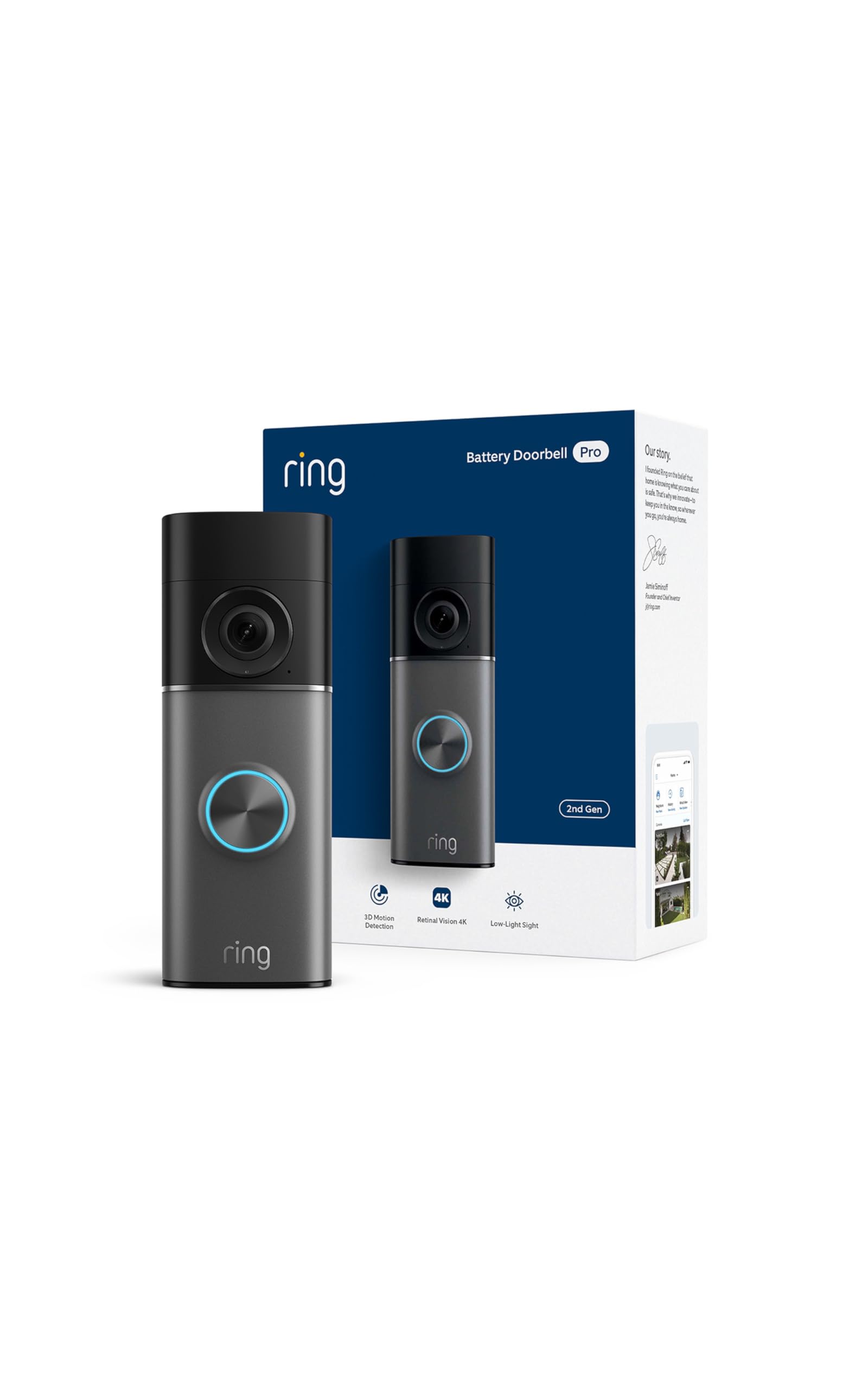
Ring Battery Doorbell Pro
- Sharper, more usable video at night than Blink
- Pairs with Echo Show for hands-free visitor announcements
- Package and person detection reduce false alerts
- Costs several times more than Blink's doorbell
- Full video history and smart alerts require a Ring Protect subscription
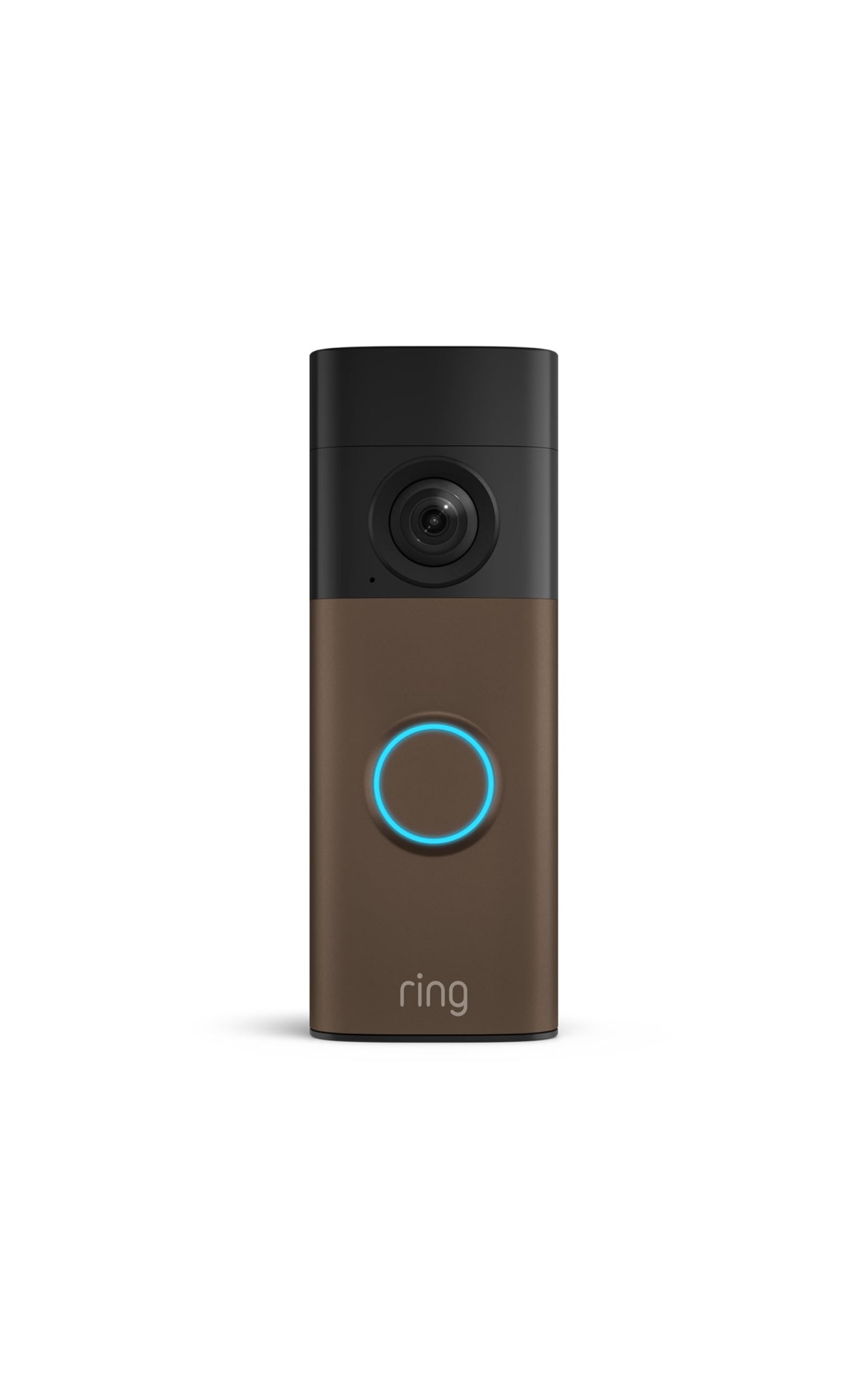
Ring Video Doorbell
- Cheapest Ring model, priced close to Blink
- Keeps everything in one app if Ring Alarm is already installed
- Live view and basic alerts work without a subscription
- Battery life is measured in weeks, not years, unlike Blink
- Video quality is a step below the Battery Doorbell Pro
Blink and Ring are both owned by Amazon, both pair with Alexa and an Echo Show, and both solve the same basic problem: knowing who's at the door without getting up to check. That overlap is exactly why the choice feels harder than it should. If they were made by competing companies with incompatible apps, the decision would sort itself out around which ecosystem a household already uses. Since they're both Amazon products, the real differences come down to picture quality, subscription cost, and how much complexity is worth taking on for the extra features.
The short answer
Blink is the better fit for a senior on a fixed income who mainly wants to see who's at the door and hear them without paying a recurring bill. Ring is the better fit for a household that wants sharper video, better night performance, and features like package detection — and is willing to pay more upfront and, usually, a monthly fee to get the full benefit. Neither is objectively "better" — they're built for different budgets and different tolerance for extra features.
Price: Blink is cheaper at every tier
Blink's doorbell lineup is simple — its main video doorbell is one of the least expensive on the market. Ring's lineup is much wider: a basic wired model is inexpensive, but the more capable Battery Doorbell Plus, Doorbell Pro 2, and top-tier Doorbell Elite each step up considerably in price. That spread matters for a senior comparing options — the cheapest Ring model is priced close to Blink, but the Ring doorbell most reviewers actually recommend for real-world picture quality costs three to five times as much as Blink's.
Subscriptions: both are optional, but neither is free if you want history
This is the part that catches people off guard with both brands. Without a paid plan, both Blink and Ring will still show a live view when someone rings the bell and send a motion or doorbell-press alert to a phone or Echo Show. What you lose without a subscription is recorded video history — the ability to look back at who came by three hours ago, or pull up a clip after a package goes missing. Blink's plans start at roughly $4 a month; Ring's start at roughly $5 a month. Blink has one advantage here worth calling out specifically: with its optional Sync Module 2 and a plugged-in USB drive, Blink can store video locally and skip the monthly fee entirely while still keeping a recording history. Ring does not offer an equivalent no-subscription local storage option for doorbells.
Picture quality and night performance: Ring's advantage
Independent reviews consistently rate Ring's video quality — especially the Battery Doorbell Plus and Doorbell Pro 2 — as sharper and more usable at night than Blink's. For a senior with any vision impairment, that gap can matter more than it sounds like on paper: a grainy, low-contrast night image is harder to interpret at a glance than a crisp one, and misreading who's actually standing at the door at 9 p.m. is a real safety consideration, not just a picture-quality nitpick. Blink's video is serviceable in daylight but noticeably softer in low light.
Battery life: Blink's advantage
Blink doorbells are known for long battery stretches — commonly cited around two years on a set of standard AA batteries, versus weeks to a couple of months for most battery-powered Ring models before a recharge is needed. For a senior who lives alone and either can't easily climb a step stool to unmount a doorbell or doesn't want to think about a recurring charging chore, that difference is significant. It's one of the clearest cases where the cheaper product is also the lower-maintenance one.
Alexa and Echo Show integration: functionally a tie
Both brands announce visitors on an Echo Show and let you answer the door hands-free from any Echo device with a screen, and both work with Alexa voice commands ("show me the front door"). If the deciding factor is "does it work with the Echo Show already in the kitchen," either brand handles that equally well — this is not a reason to pick one over the other.
What actually should drive the decision
A few concrete situations point clearly one way or the other. If money is genuinely tight and the goal is simply knowing who's at the door with no ongoing bill, Blink with local storage is the more sensible pick — it solves the core problem for the lowest total cost. If a senior has any vision impairment and night-time package deliveries or visits are common, Ring's sharper low-light picture is worth the higher price, because a clear image matters more when eyesight is already a limiting factor. If a senior already owns a Ring Alarm security system, staying in the Ring app avoids running two separate apps for two separate devices — that's a real usability win for someone who finds switching between apps confusing. And if the home's wifi is weak near the front door, battery life and connection stability tend to favor Blink's simpler, lower-bandwidth design over Ring's more feature-heavy (and more bandwidth-hungry) app.
Installation: what actually gets in the way
Both brands offer battery-only models that mount with two screws and need no wiring, which is the right choice for most seniors' homes and avoids touching any electrical wiring at all. Where it gets more complicated is a home that already has a wired doorbell with a transformer behind the wall — some Ring and Blink models can use that existing wiring to stay charged indefinitely instead of running on batteries, but the transformer has to supply enough voltage (typically 16 to 24 volts AC) or the doorbell will behave erratically, chiming randomly or losing connection. If a home's existing doorbell wiring is original to a house built decades ago, it's worth checking the transformer rating before assuming a wired install will just work, or defaulting to a battery model to sidestep the issue entirely. For a senior handling this alone, a battery model professionally mounted once by a family member or handyman is usually the lower-hassle path compared to any electrical troubleshooting.
Common mistakes when choosing between them
The most common mistake is buying based on brand recognition alone — Ring is more heavily advertised, so families sometimes buy the priciest Ring model assuming "more expensive means better for Mom," when an inexpensive Blink doorbell with local storage solves the actual problem just as well for a senior who only wants basic visitor alerts. The second mistake is skipping the subscription conversation entirely — a lot of families set up a doorbell, then are surprised weeks later that they can't find a clip of a delivery because they never activated any storage plan, free or paid. The third is ignoring existing hardware: if there's already a Ring Alarm base station, an Echo Show, or a Blink camera in the house, matching the doorbell to what's already installed usually beats chasing the highest-rated model in isolation.
Setting it up for a parent who won't call for tech help every week
Whichever brand you choose, three things make a real difference for a senior specifically. First, set the motion sensitivity lower than default — both apps tend to over-alert on passing cars and blowing leaves out of the box, and a phone that buzzes constantly gets ignored, including for real doorbell presses. Second, add a second household member (an adult child, typically) as a shared user on the account during setup, so alerts and video access aren't locked to one phone that might be left in another room. Third, if the goal includes hands-free answering, pair the doorbell with an Echo Show or smart speaker with a screen rather than relying on a phone app alone — glancing at a countertop screen is a much lower-friction habit to build than digging a phone out of a pocket every time the bell rings.
Frequently asked questions
Do I need a subscription for either brand to work at all?
No. Both send live alerts and allow live viewing without any paid plan. A subscription (or Blink's local storage option) is only required for recorded video history.
Can I use a Blink doorbell with a Ring Alarm system, or vice versa?
No — the two ecosystems are separate apps and don't cross-integrate, even though both are Amazon-owned. Mixing brands means running two apps.
Which one is easier for a senior to use day to day?
Both apps are comparable in basic complexity. The bigger usability differentiator is battery life (Blink needs attention less often) and picture clarity at night (Ring is easier to interpret at a glance in low light).
Does either doorbell need existing doorbell wiring?
Both brands offer battery-powered models that need no wiring at all, as well as wired options for homes that already have doorbell wiring and want to avoid battery charging entirely.
The bottom line
Pick Blink Video Doorbell for the lowest total cost, the longest battery life, and a real no-subscription path via local storage — it's the sensible default for a senior who just wants to know who's at the door. Step up to the Ring Battery Doorbell Pro specifically for sharper night video, which matters more for anyone with vision changes. Consider the base Ring Video Doorbell only if there's already a Ring Alarm system in the house and app consistency matters more than saving on hardware cost. For the fuller security picture beyond just the front door, see our home security cameras for seniors guide and smart home safety tech roundup.


