Bay Alarm Medical Alert Systems: What Caregivers Should Know Before Enrolling
A practical single-company guide to Bay Alarm Medical for families shopping medical alerts — in-home vs mobile, fall detection tradeoffs, setup tests, and questions to ask before you sign.
As an Amazon Associate I earn from qualifying purchases. We independently review products; buying through our links never costs you extra.
Our Top Picks
Chosen for seniors based on features, specs, and verified buyer reviews.

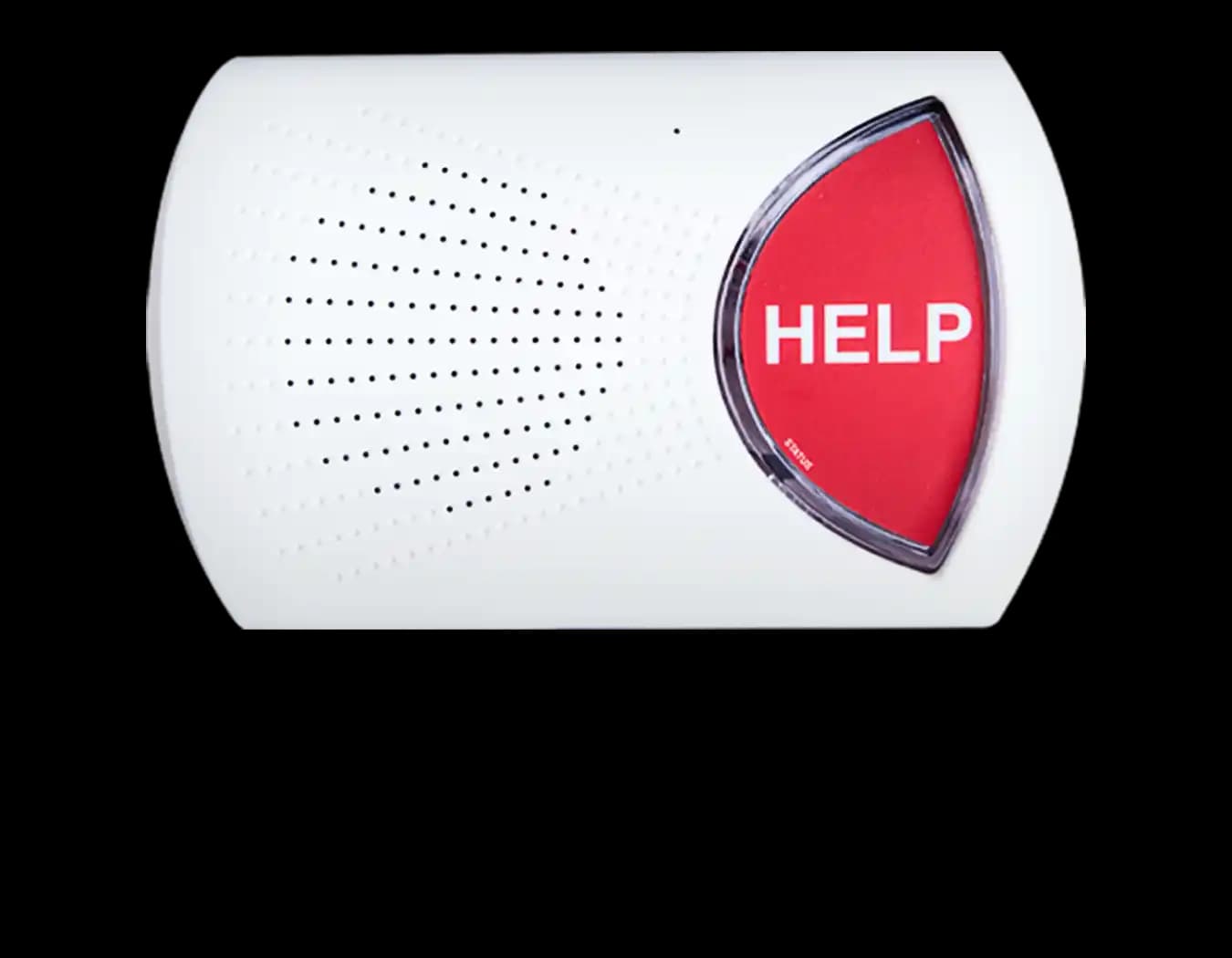
Bay Alarm Medical SOS Home
- Established monitored medical alert provider families already recognize
- In-home and on-the-go style packages for different lifestyles
- Fall detection available as an add-on on many plans
- Monthly monitoring cost continues after the initial setup excitement
- Only works if the button is actually worn
- Plan details and fees should be confirmed in writing before enrollment
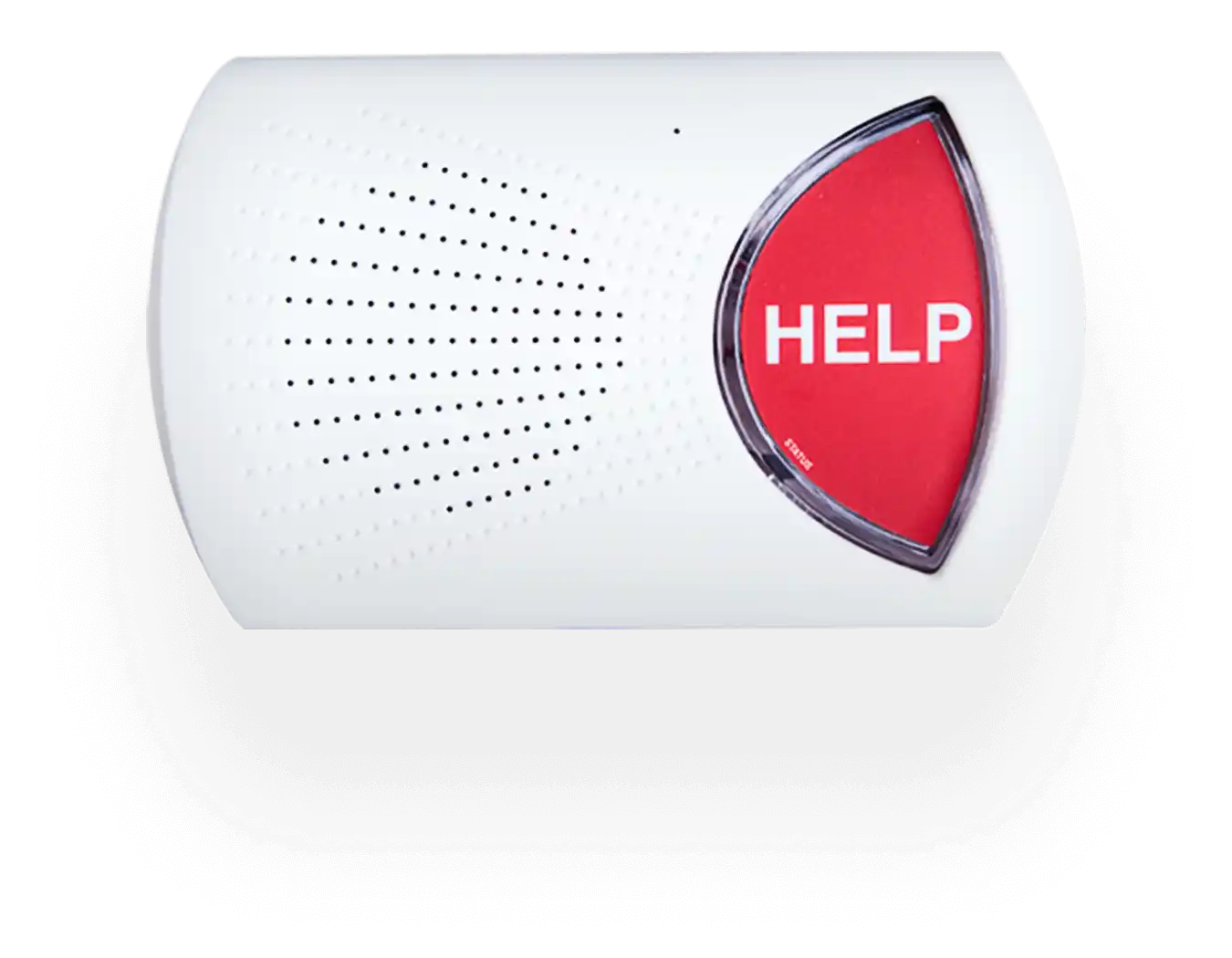
Bay Alarm Medical SOS Home kit
- Shows the in-home base unit and wearable button together
- Useful reference when talking through setup with a parent
- Matches what families typically receive in an in-home package
- Exact kit contents vary by plan — confirm before ordering
- Requires monthly monitoring enrollment with the company
- Not an Amazon add-to-cart product in most cases
Adult children often shop for medical alert systems after a scare: a fall that “was fine,” a neighbor who found someone on the floor, or a parent who admits they waited hours before calling for help. The product category is crowded with base stations, pendants, watches, and monthly plans. This page zooms in on Bay Alarm Medical as a concrete example of how those systems are sold and used — the kind of single-company explainer brands want families to read before a sales call.
It is not a claim that Bay Alarm paid for this article, and it is not a fabricated clinical study. For a broader comparison across providers, see best medical alert systems for seniors. Here the goal is practical: what the product category does, how Bay Alarm typically packages it, and which household details decide whether it is a fit.
What a medical alert system is actually for
At minimum, a medical alert gives a person a fast way to reach trained help when they cannot reach a phone — after a fall, during chest pain, or when they feel unsafe. Many systems also offer fall detection as an add-on, GPS for on-the-go units, and two-way voice so the wearer can speak with an operator.
What it is not: a substitute for in-home care, a guarantee against every fall injury, or a reason to skip a medical evaluation after repeated dizziness or blackouts. Families who treat the button as one layer of a safety plan do better than families who treat it as magic.
Why Bay Alarm shows up on shortlists
Bay Alarm Medical is a long-running name in home security and medical alert. Families encounter it through online comparisons, caregiver referrals, and sales consultations. Typical packages combine an in-home base unit and a wearable help button (pendant or wristband), with optional mobile equipment for people who leave the house.
Exact equipment generations, pricing, and contract terms change. Always confirm the current plan details with the company before you sign. What stays stable is the shopping logic below.
In-home vs on-the-go: pick the lifestyle, not the brochure
- Mostly home-based seniors often do well with a landline or cellular in-home system plus a waterproof button for bathroom risk zones.
- Drivers and walkers who leave daily usually need a mobile GPS unit, not only a base station that covers the house.
- Couples should ask whether one monthly plan covers two buttons, and how the system identifies who pressed help.
Bay Alarm’s lineup is built to cover these patterns; your job is to match the equipment to the week someone actually lives, not the week you visit.
Fall detection: useful, not perfect
Fall detection can call for help when someone cannot press a button. It can also false-alarm when someone sits down hard or drops the pendant. Before you pay for the add-on, ask:
- Can the wearer cancel a false alarm easily?
- Where will the button be worn all day (neck, wrist, clipped)?
- Will the person actually wear it in the shower and at night — peak fall times?
A button left on the nightstand is not a system. Wear habits beat marketing claims.
Setup and the first week (caregiver checklist)
- Place the base unit centrally with power and the required phone/cellular path working.
- Test a non-emergency call with the senior present so they hear what an operator sounds like.
- Program emergency contacts in the order you actually want called.
- Walk the home and press the button from the bathroom, bedroom, and basement if applicable — coverage holes show up fast.
- Write the customer service number on the fridge. Panic is a bad time to dig through email.
Who Bay Alarm-style systems fit
- Seniors living alone who will wear a button.
- Families who want a 24/7 monitored response path, not only a smartphone SOS.
- People who prefer a dedicated device over depending on a smartwatch they may not charge.
Who should look elsewhere first
- Seniors who refuse all wearables — solve that objection before paying monthly.
- People who already live with full-time caregivers and want a different tool (phone, watch, or facility protocol).
- Shoppers who need a zero-monthly-fee gadget only — see medical alerts with no monthly fee for that lane (different tradeoffs).
Questions to ask before you enroll
- What is the monthly price with and without fall detection?
- Is there an activation fee, equipment fee, or shipping fee?
- What is the cancellation policy and return window on equipment?
- Does the mobile unit need its own cellular plan inside the monthly rate?
- How are operators trained, and what happens if the primary contact does not answer?
Get answers in writing or in a confirmation email. Verbal sales optimism expires; invoices do not.
Bottom line
Bay Alarm Medical is a mainstream monitored medical alert option families evaluate when independence and rapid help both matter. It works when the senior wears the button, the home coverage is tested, and the plan matches in-home vs on-the-go life. It fails when equipment sits in a drawer or when families buy monitoring they do not understand how to cancel.
Use this page to prepare for a sales conversation. Use the wider medical alert systems comparison when you are still choosing among brands.
How to talk about it without making someone feel supervised
Language matters. “We want you to have a fast way to get help if you need it” lands better than “You’re falling a lot and we can’t trust you alone.” Involve the senior in choosing pendant vs wristband. Let them reject an ugly option. Ownership of the look increases wear rates more than a lecture about statistics.
If they fear false alarms bothering neighbors or operators, walk through canceling a false alarm during the test call. Fear of embarrassment keeps buttons in drawers.
Bathroom, night, and other high-risk zones
Many falls happen getting out of bed or in the bathroom. Ask whether the button is waterproof and whether the senior will wear it in the shower. If they refuse a shower wearable, improve bathroom safety hardware (grab bars, shower chair) in parallel — see our bathroom safety guides — and be honest that coverage has a hole.
At night, a wristband can be easier than a necklace. Experiment for a week. The “correct” accessory is the one still on their body at 6 a.m.
Landline, cellular, and apartment quirks
Older apartments sometimes have weak cellular indoors or odd phone wiring. During setup, test from the rooms where the senior actually sits. If a building uses signal-blocking materials, a mobile GPS unit that works on walks may still fail in the bedroom without a window. Do not skip the walk-test because the living room worked.
If the senior travels between two homes, ask Bay Alarm how roaming or a second property is handled before you assume one base unit covers both.
Money, contracts, and avoiding surprise fees
Medical alert shopping is where activation fees, equipment leases, and “discounted” long contracts hide. Write down:
- Monthly rate after promotions end
- Whether equipment is owned, leased, or refundable
- Early termination fees
- Battery replacement policy for wearables
If a salesperson rushes you past cancelation terms, slow down. A good safety product can still be a bad contract.
What to do after a real emergency activation
After any true help event, schedule a family debrief within a few days. Did responders reach the right door code? Was the contact list current? Did the senior hesitate before pressing? Fix process while memories are fresh. Also check whether the wearable was damaged or needs a battery swap.
Alternatives to keep in the decision set
Smartwatches with fall detection and SOS help some tech-comfortable seniors. Unmonitored “call my daughter” buttons cost less and help less when nobody answers. Facility residents may already have pull cords. Bay Alarm-style monitoring is for people living independently who want a trained third party in the loop. Keep that distinction clear so you do not buy overlap you will not use.
Shared households and stepfamilies
When adult children disagree about whether a parent “needs” monitoring, put the decision criteria on paper: number of falls in six months, time alone each day, willingness to wear a button, and ability to afford the monthly fee without resentment. Resentment kills follow-through. If one sibling pays and another manages setup, write that down too so the plan survives the first busy month.
For stepfamilies, confirm who is listed as emergency contacts and who has authority to cancel the plan. Customer service will follow the account holder on file, not the loudest voice on a group text.
Insurance, Medicare, and what usually is not covered
Families often hope Medicare will pay for a medical alert. Coverage rules vary and change; many standard consumer medical alert subscriptions are private-pay. Ask Bay Alarm whether any partners, VA programs, or long-term care insurance pathways apply to your situation, then verify with the benefits administrator yourself. Do not enroll based on a vague “sometimes insurance helps” claim.
Affiliate disclosure: some links on Senior Tech Review may earn a commission at no extra cost to you. This page is editorial guidance; it is not a paid placement claim.


